Player support
Get help with Online Bingo 90 or Bingo City 75 from the Fungrep support team.
Contact us from the game
We recommend opening Contact Us from the sign-in screen or the lobby. If your Player ID is saved on this device, the game adds it to the email subject so our support team can find your account. Describe what happened, then send the email.
Find Contact Us in the lobbyCan’t open the game?
Email [email protected] with the game name, your device type and a short description of the issue.
Contact us from the lobby
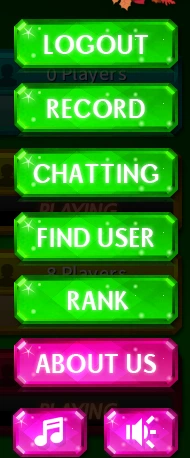
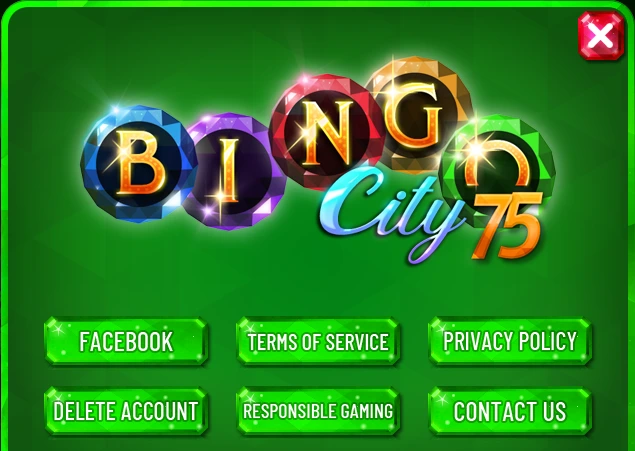
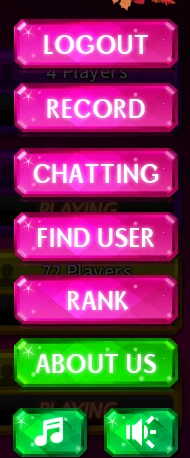
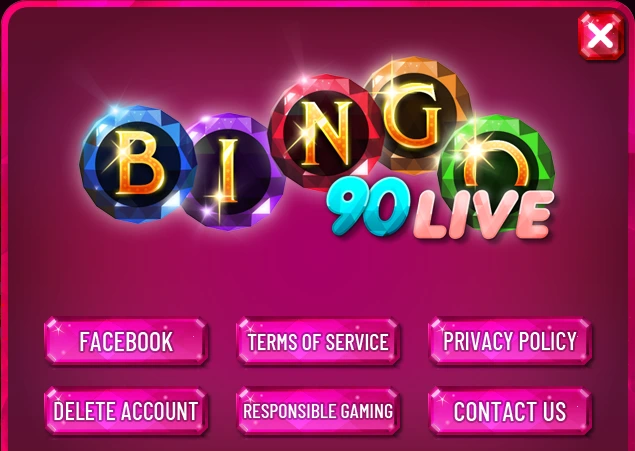
Already signed in? Open the three-line menu at the top right of the lobby, then follow the two steps for your game. Select a screenshot to enlarge it. Select it again to close.
Online Bingo 90
Bingo City 75