


Online Bingo 90
Complete any row, then two rows, then all three on a single ticket. The game marks your numbers and checks each win.
 Read a full house resultSee how the game reports all three stages at the end of a round.
Explore Fungrep’s two mobile bingo games. Follow the numbers on a 90-ball ticket, spot a winning 75-ball pattern or take a tour of the lobbies.
Complete any row, then two rows, then all three on a single ticket. The game marks your numbers and checks each win.
Read a full house resultSee how the game reports all three stages at the end of a round.
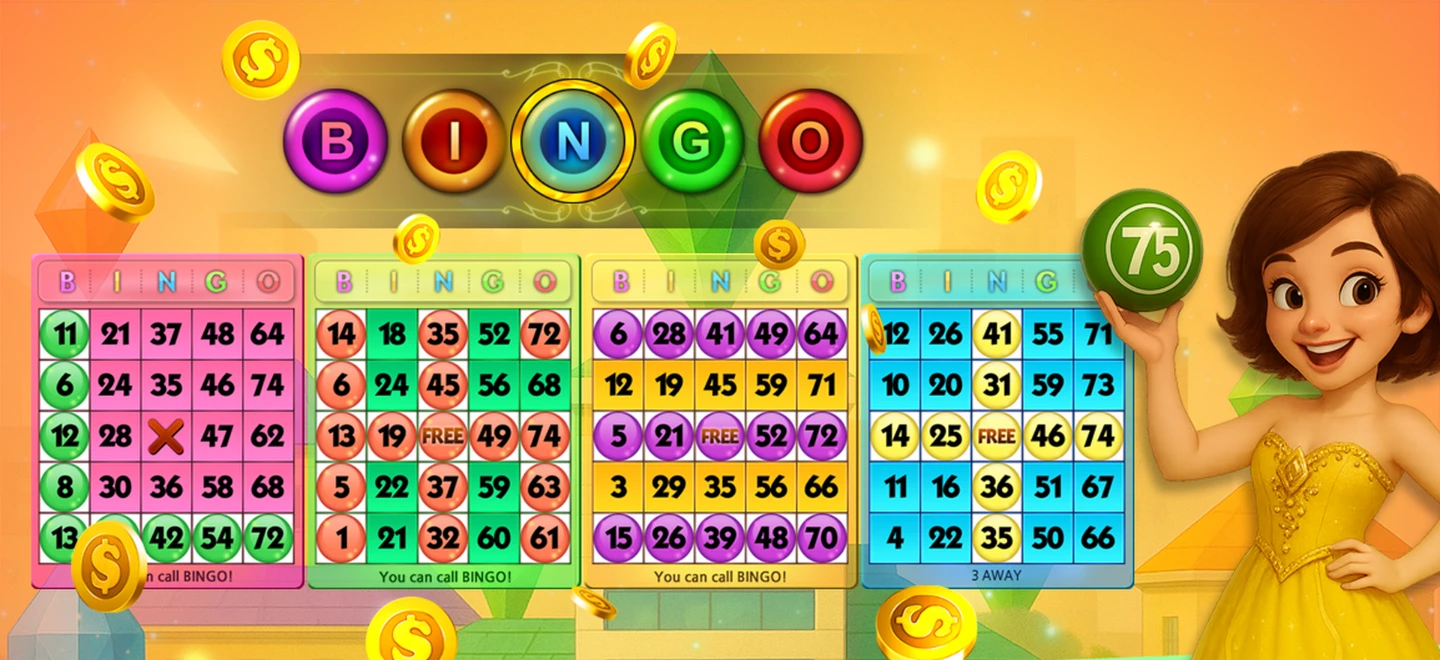

Find the room’s target shape on your 5 × 5 card. When it’s complete, tap BINGO on that card to claim.
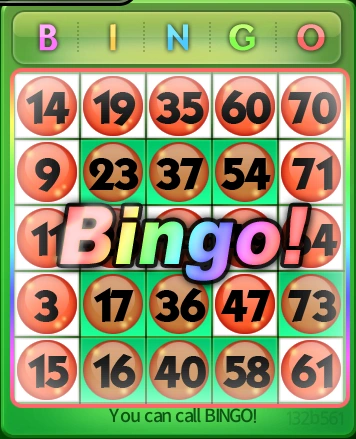 Call bingo on Letter RFollow the same card from the target shape to the accepted call.
Use the buttons around the room list to check Golden Pass missions, find the current collection or look up a ticket after a round.

Start at the room list. The lobby guide shows where to open your Inbox, check Golden Pass missions and review your tickets.
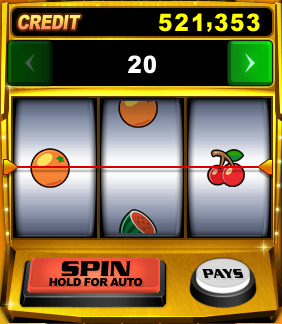
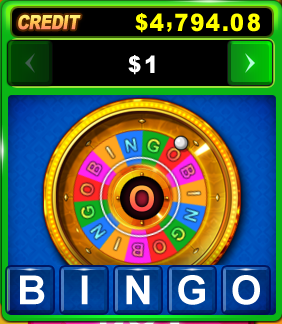
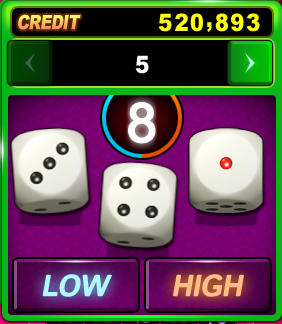
Open MINI GAME in a bingo room to choose from six games. See how to read a payline, a wheel result or a dice total.
In Online Bingo 90, follow the rows on your tickets. In Online Bingo City 75, look for the pattern shown in your room.
Complete any one row for one line, any two rows on the same ticket for two lines, or all three rows for a full house. Online Bingo 90 checks your lines automatically.
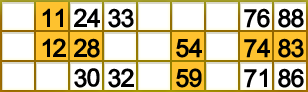
Check the pattern shown for your room. Mark the numbers on your card as they’re called, then tap BINGO once that card matches the pattern.
Online Bingo 90 automatically marks every purchased ticket and checks each winning line. In Online Bingo City 75, you can mark numbers yourself or turn on AUTO DAUB. When a card completes the pattern, tap its BINGO button.
Use Contact Us on the game’s sign-in screen or email Fungrep’s player support team.