Mini-game guide
In a bingo room, tap MINI GAME at the lower left and choose one of the six tiles. Between plays, tap MINI GAME again to close the panel. Reopen it to choose another game.
The bingo draw continues while you play. Your purchased tickets still mark their numbers automatically.
How to play the four slots
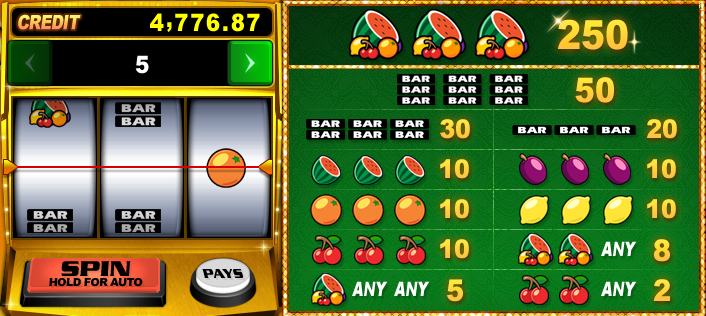
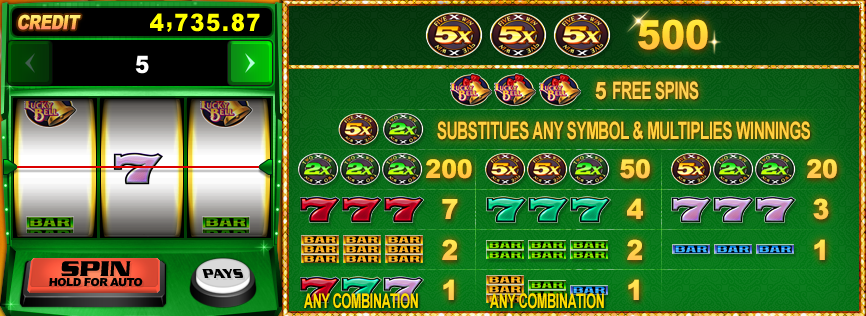
- Choose the amount for one spin with the arrows below CREDIT. Tap PAYS to see the combinations and tap it again to close the table.
- Tap SPIN once for a single spin. Holding it starts automatic repeat spins. Tap the same control again to turn repeat spins off.
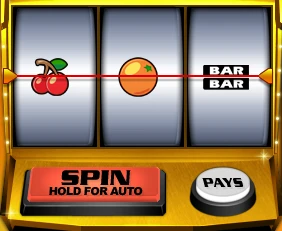
- When the reels stop, read the three symbols on the red centre line and compare them with the paytable.
Juicy Fruits
Look for the fruit cluster in PAYS. A cluster on the first reel can pay even when the next two symbols differ. The ANY spaces show which positions can vary.
See the finished spin
 Enlarge paytable
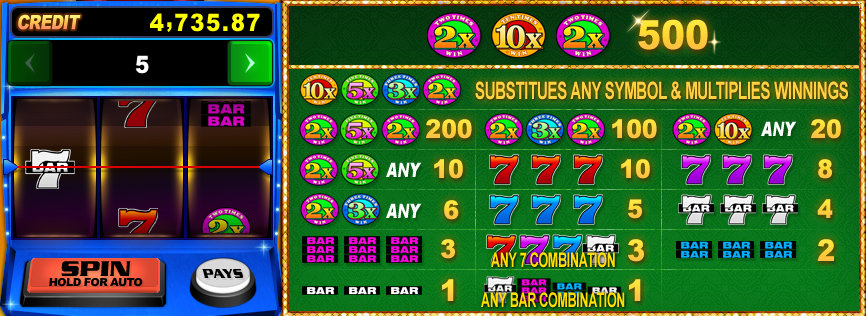
10 Times Wild
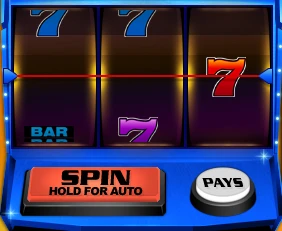
The 2×, 3×, 5× and 10× wild symbols can stand in for other symbols and multiply a winning combination. Check the three symbols against PAYS once the reels stop.
See the finished spin
 Enlarge paytable
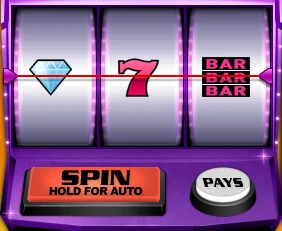
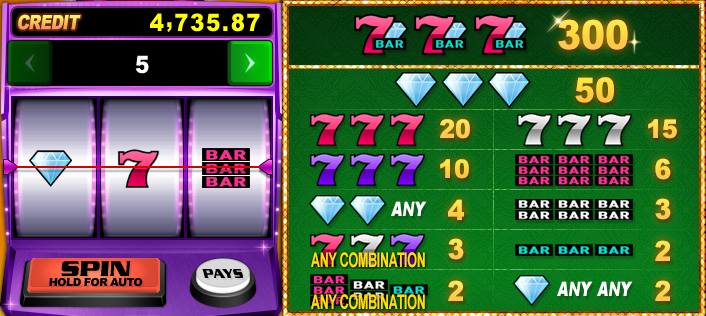
Lucky Diamonds
Read the diamond rows from the left. A diamond on the first reel can pay with any symbols on the next two reels. Two leading diamonds have their own entry in PAYS.
See the finished spin
 Enlarge paytable
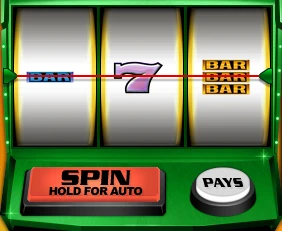
Lucky Bell
Three bell symbols on the centre line start 5 free spins. The 2× and 5× wilds can substitute for other symbols and multiply winnings. Check the mini-game result on the panel; the credit balance can also change when bingo pays during a spin.
See the finished spin
 Enlarge paytable
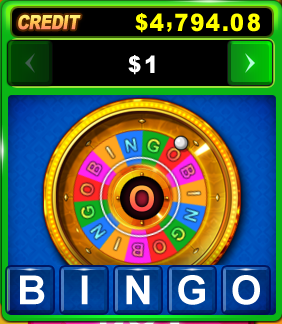
Bingo Roulette
Set the amount with the arrows. Tap one letter, B, I, N, G or O, to start the wheel immediately. Read the letter in the centre when the wheel stops. A match returns five times the amount played, including the stake.
Dice
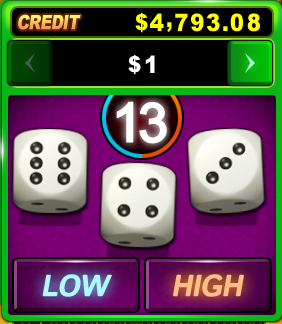
Use the arrows to set the amount, then tap LOW for a total of 3–9 or HIGH for 10–18. Your tap rolls all three dice. The circle shows their sum. A correct choice returns twice the amount played, including the stake.