
Find the current collection
Tap the yellow Collection icon at the bottom of the lobby. Look for the Now Season badge. The count under each building shows how many items you have collected out of the total for that season.
Live 75-ball bingo. Match the room’s target pattern on your card and call bingo. Browse all 110 winning patterns.
Find Bingo City 75 in your app store.
Choose a room in the lobby. At the top of the room, look for the pattern name and the little 5 × 5 diagram. Match the squares in the positions shown, all on one card.
Use GET NEW CARD to change the numbers on an unpurchased card, or BUY THIS CARD to play it. Cards appear in pairs. Swipe sideways to see the next pair. BUY MAX CARDS asks you to confirm before buying the remaining cards, up to eight in total.
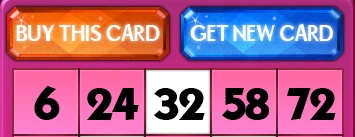

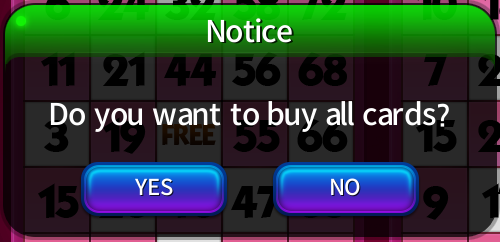
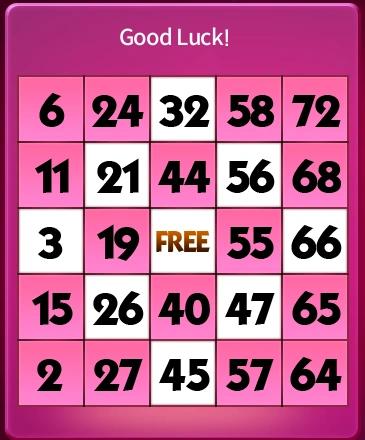
Tap a matching number as it is called. With AUTO DAUB on, the game marks matching numbers across all your purchased cards, even those on another page. The centre FREE square needs no called number. If it belongs to the target and is still unmarked, tap it.
Once the required numbers have been called and you’ve marked the target, look for You can call BINGO! beneath the card. Tap BINGO at the top of that same card. Even with AUTO DAUB on, you make the call yourself. The game checks it against the balls drawn.

In this Emerald 1 round, the white squares on the Letter R pattern show which positions to mark. Follow the right-hand card on page four through all three screenshots. Select a card to enlarge it. Select it again to close.
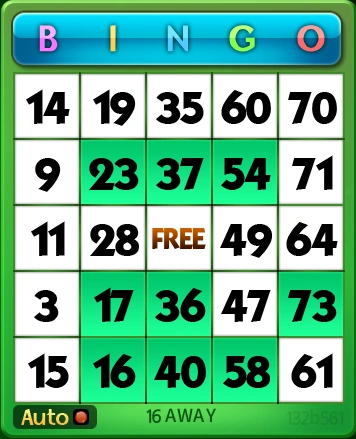
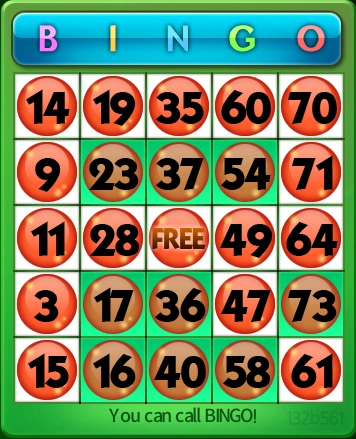
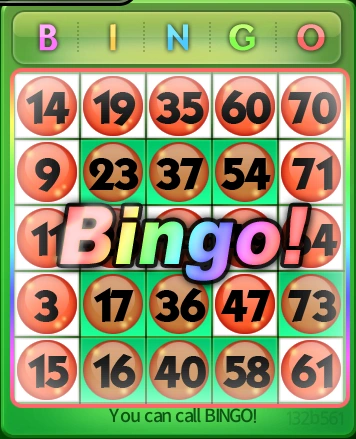

When balls remain after the regular draw, Bonus Bingo can draw up to five more. In this Number 1 round, the left-hand card on the first page was still in play.
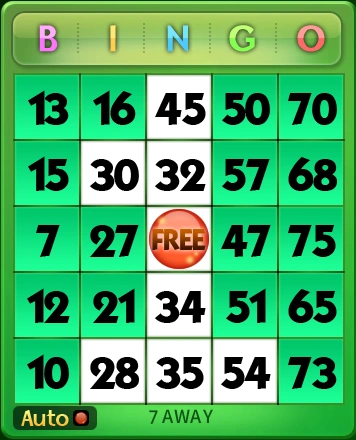
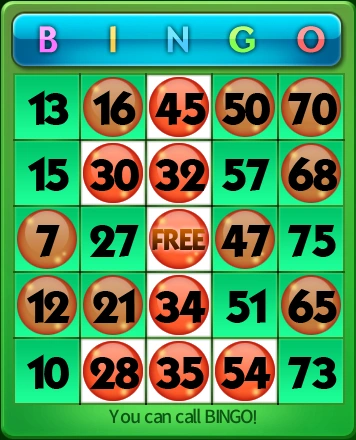
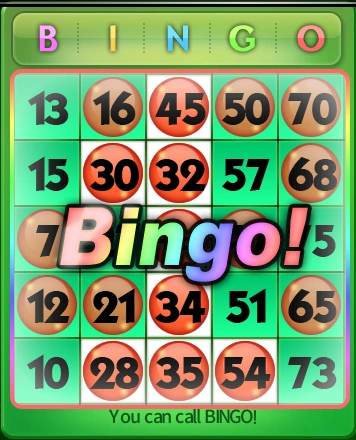
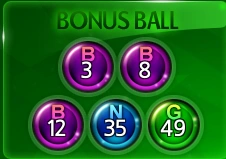
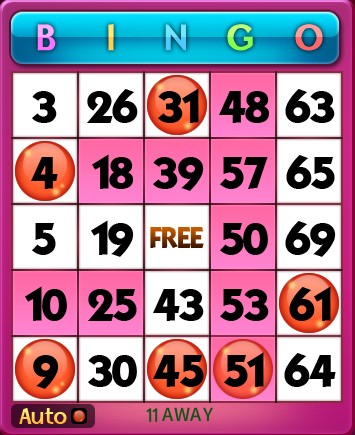

Choose a bingo room from the list on the right. The coin on the left of each row shows the price per card, while WAITING or PLAYING tells you whether a round is under way. Select a screenshot to enlarge it. Select it again to close.
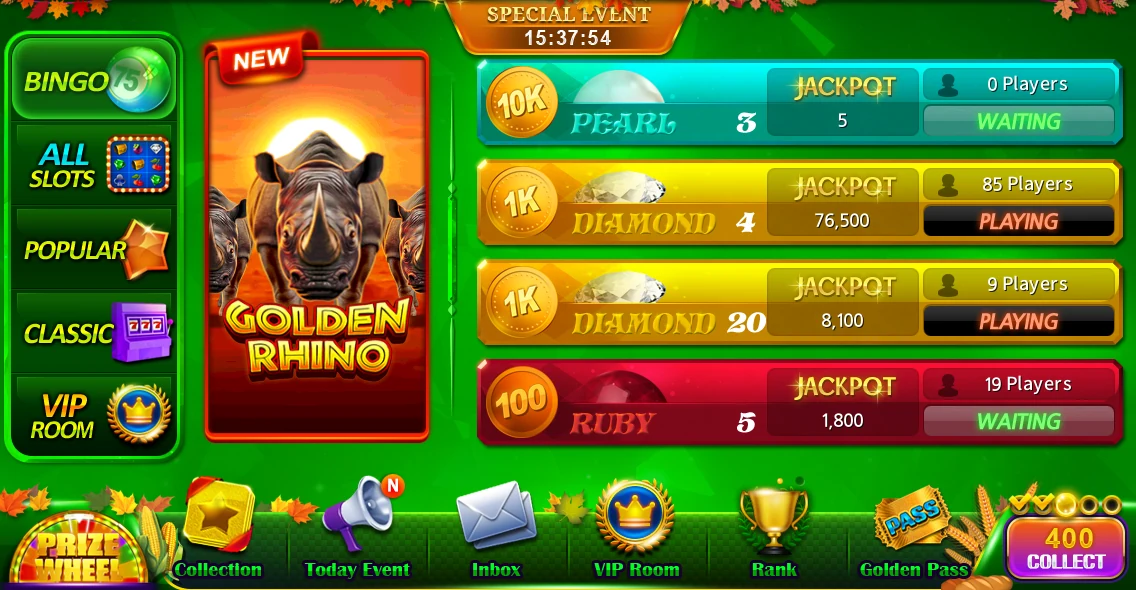
Tap the yellow Collection icon at the bottom of the lobby. Look for the Now Season badge. The count under each building shows how many items you have collected out of the total for that season.
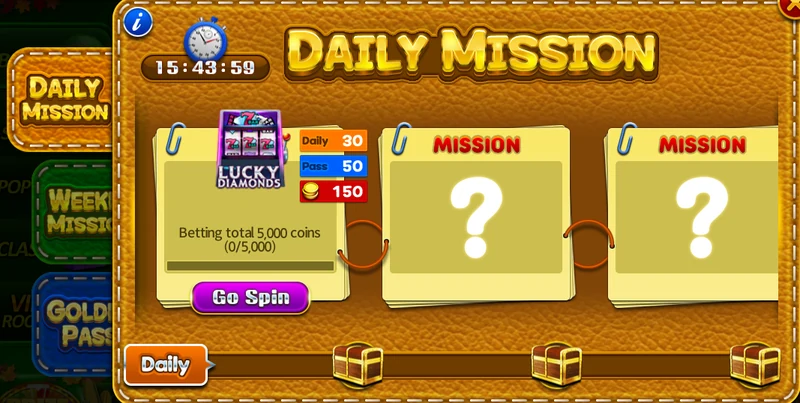
Tap the Golden Pass ticket near the bottom right. A Daily Mission card shows the game, your progress and the reward. Use the tabs on the left to switch to Weekly Mission or check your pass.
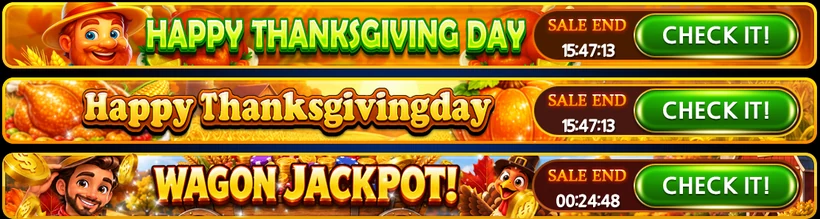
Tap the envelope on the bottom row. Each event message has its own countdown. Tap CHECK IT! on the message you want to open. The events shown here are examples from the capture.
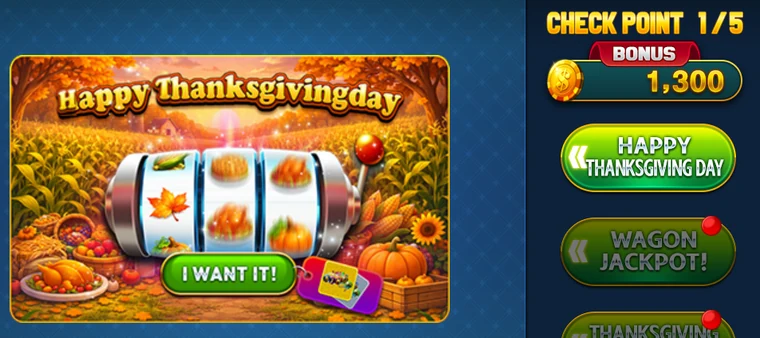
Tap the Today Event megaphone beside Collection. Choose an event on the right, then read CHECK POINT to see your progress and the bonus shown for that event.
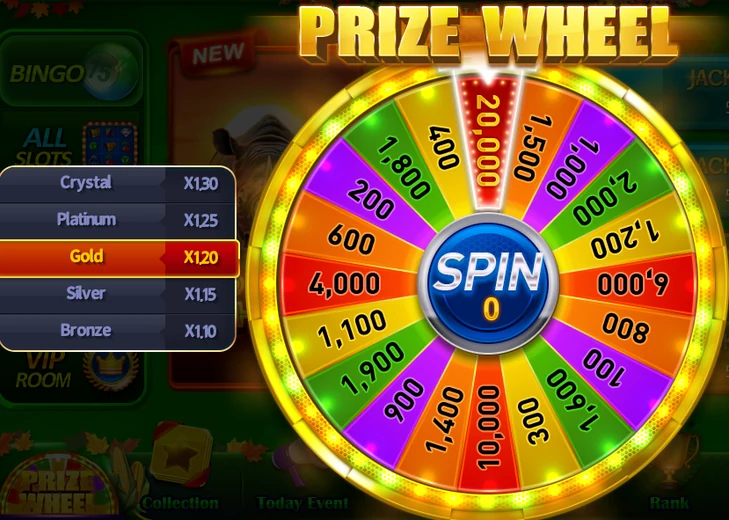
Open Prize Wheel at the bottom left. The number in the centre of SPIN is your available spin count. The highlighted row on the left shows the multiplier for your VIP tier.
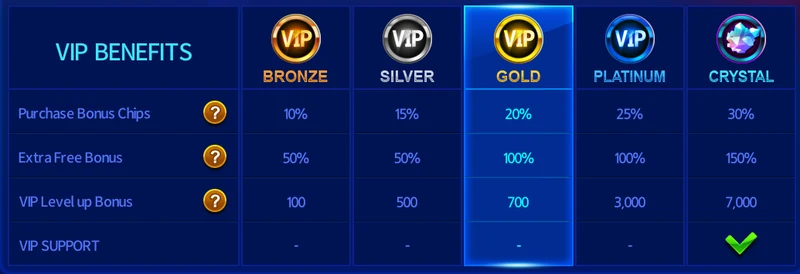
Tap your profile in the top left, then tap i beside VIP POINT in My Info. Your tier is highlighted. Read across any row to compare purchase bonuses, free bonuses or level-up bonuses.
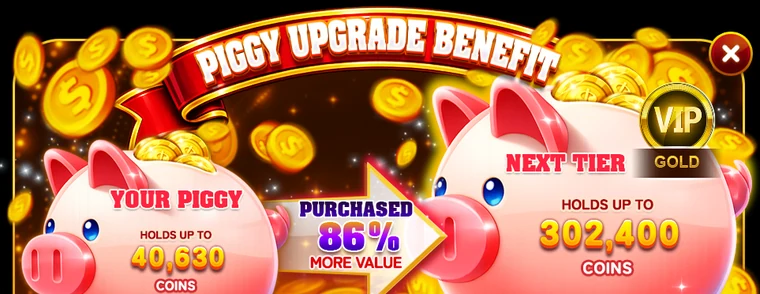
Tap the pink pig on the top bar to see the chips saved and the price to open it. Tap i for the comparison shown here. Holds up to gives the bank’s capacity at each tier.
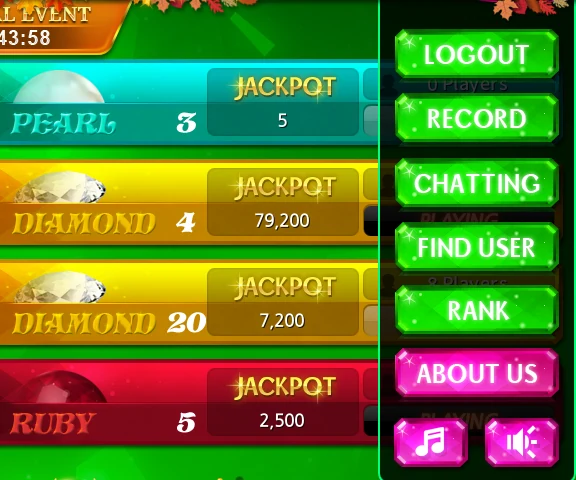
Tap the three lines at the top right. Choose RECORD for previous games, FIND USER to look up a friend by nickname, or ABOUT US to reach player support.
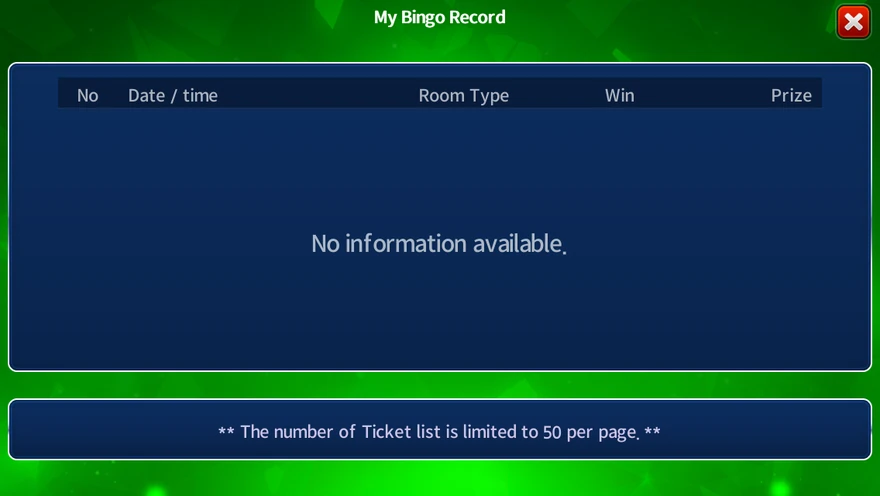
After opening RECORD, match the Date / time and Room Type to your game. Read across the same row for the result under Win and the amount under Prize. This capture shows how an empty record looks.
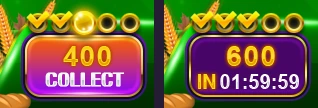
When the bottom-right button reads COLLECT, tap it to add the displayed chips to your balance. The button then shows the next amount and a countdown, as in the picture on the right.