
Collection
Tap the gold Collection icon along the bottom. Look for Now Season to find the current building. The count under its name shows how many vouchers you have collected towards the total.
Join an online bingo room for a round of classic British bingo. The app marks your tickets as you play for one line, two lines and a full house.
Find Bingo 90 Live in your app store.
Choose a room in the lobby. If you arrive during a draw and your tickets say EMPTY, you can watch until the next ticket sale opens.
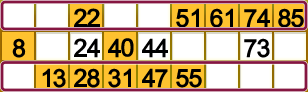
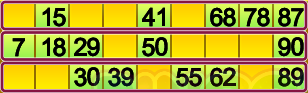
Tap individual tickets, or tap SELECT MAX CARDS to select as many as you can buy. Tap a selected ticket again to remove it. When you’re ready, tap BUY SELECTED TICKETS. Follow the top-left ticket through the two screens below. Select a screenshot to enlarge it. Select it again to close.
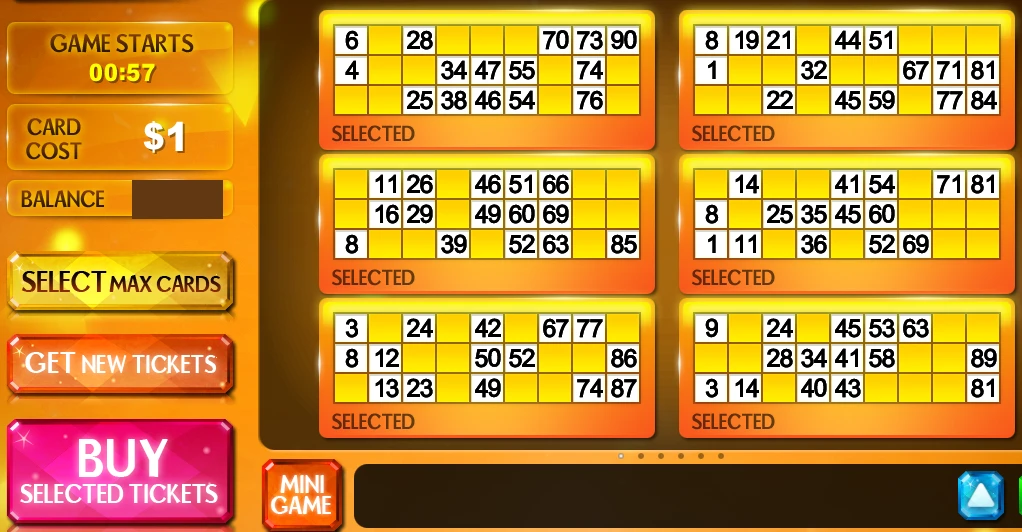
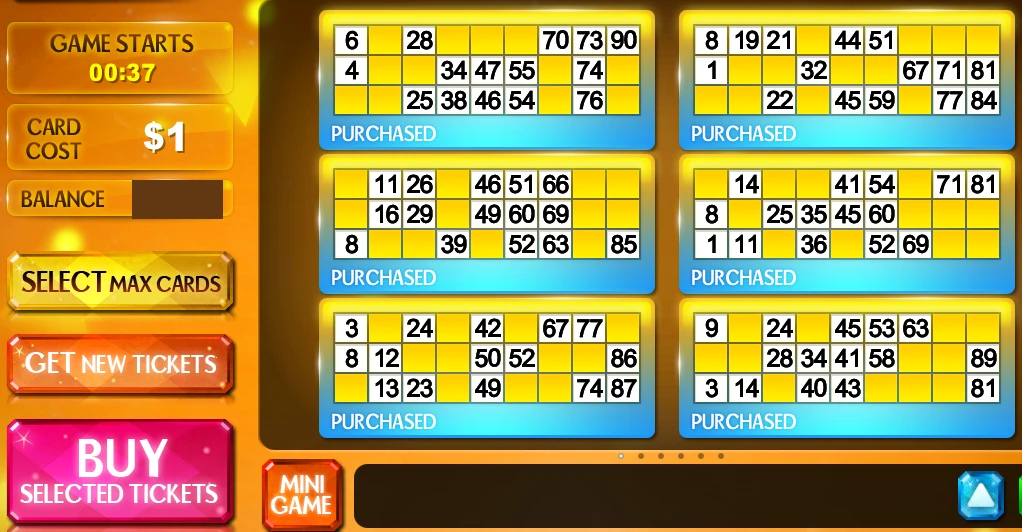
A 90-ball bingo ticket has 15 numbers arranged in three rows and nine columns. Each row holds five numbers. As balls are called, the game marks matches on every purchased ticket, including tickets on another page.
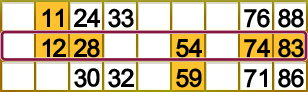
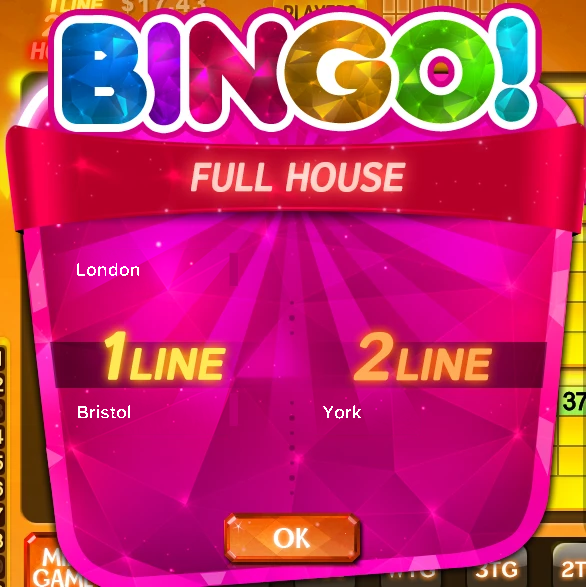
The room plays for one line, then two lines, then a full house. The game checks each stage and announces the result automatically.
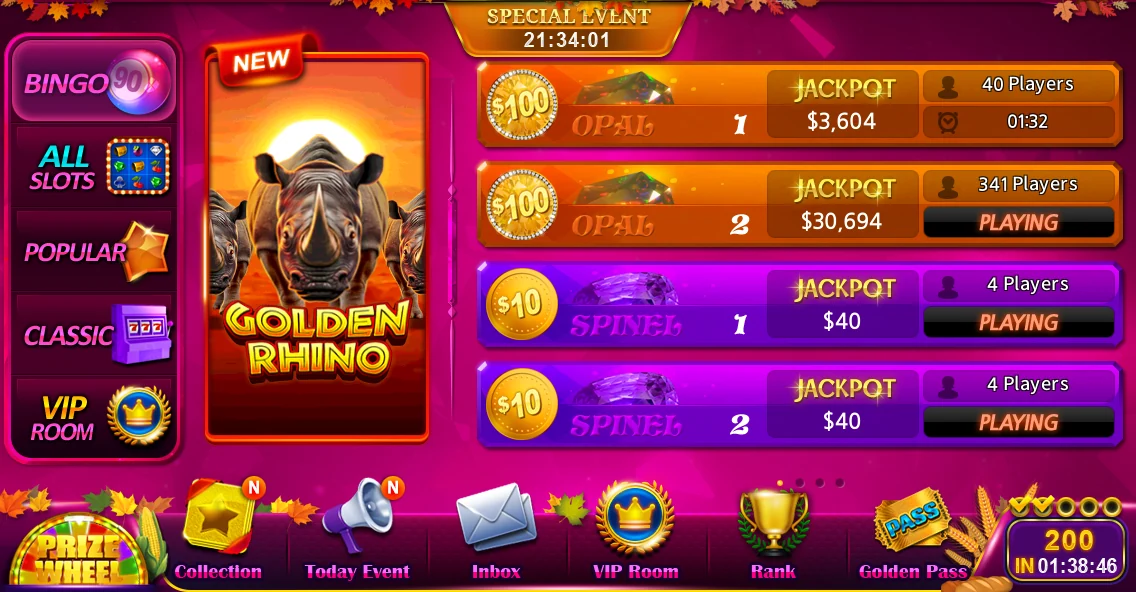
Choose BINGO 90 on the left to see the rooms. Before you join one, you can check a mission, explore your collection or look up an earlier ticket. The events, prices and rewards pictured here are examples from the game. Select a screenshot to enlarge it. Select it again to close.
Tap the gold Collection icon along the bottom. Look for Now Season to find the current building. The count under its name shows how many vouchers you have collected towards the total.
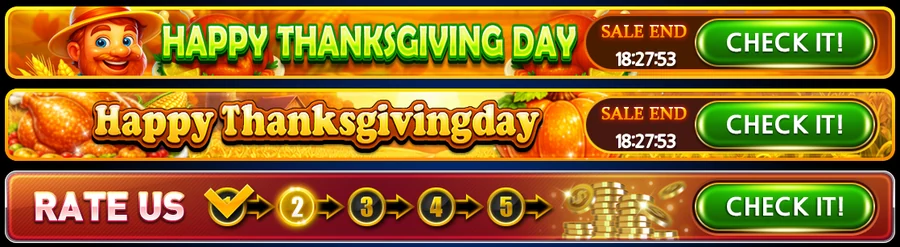
Open the envelope at the bottom of the lobby. Timed messages show how long the offer runs. Tap CHECK IT! on the row you want to open.
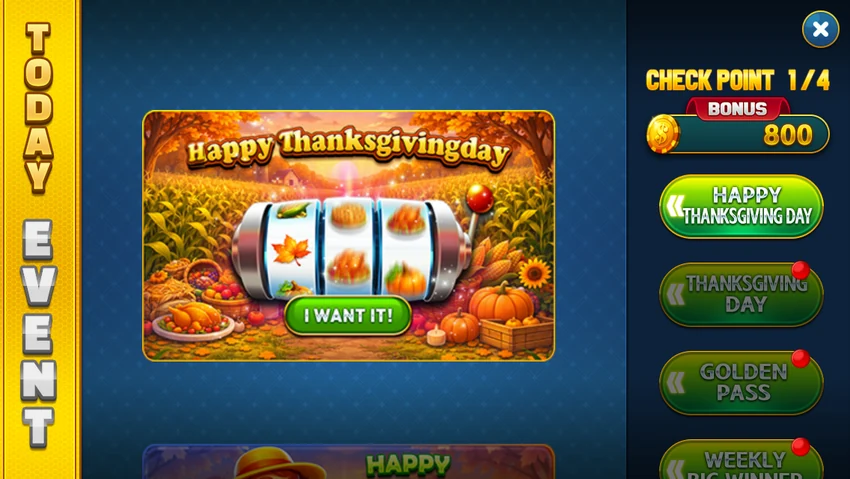
Tap the megaphone beside Collection to see the events on offer. In this example, the panel on the right shows CHECK POINT 1/4 and the bonus, and the event on the left has an I WANT IT! button.
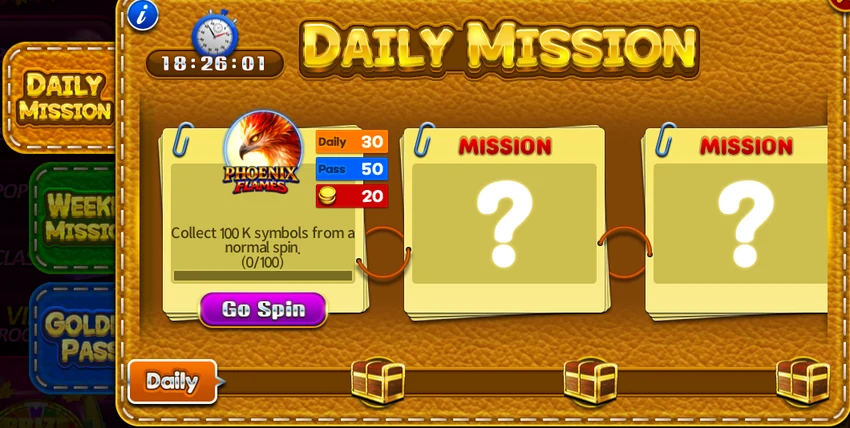
Tap Golden Pass on the bottom bar. Read the goal and progress on a Daily Mission card. In the example, Go Spin opens the game for that mission. Use the tab on the left to see your weekly missions.
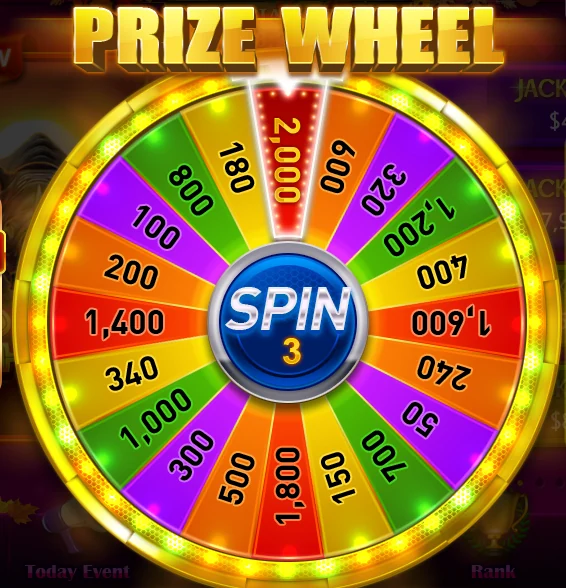
Open Prize Wheel in the bottom-left corner. The number on SPIN tells you how many spins you have. Here, three spins are available. Tap the centre to use one.
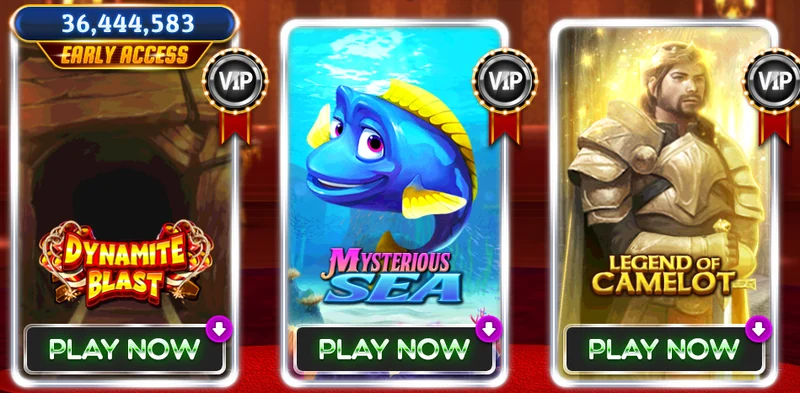
Choose the VIP Room crown to browse its games. Each tile has its own title and PLAY NOW button. A badge on the tile marks VIP or early access.
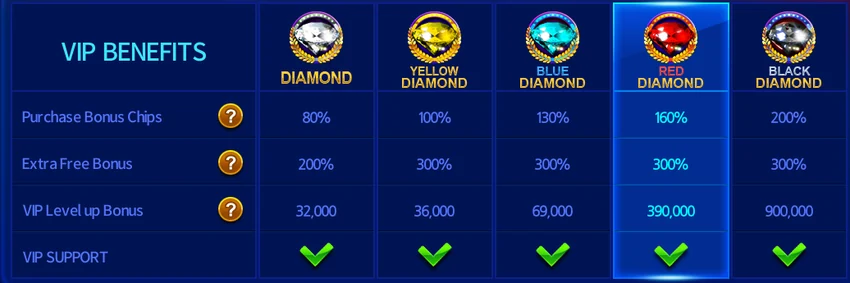
Tap your profile at the top left, then the information button beside VIP POINT. Follow a tier’s column down the table to compare purchase bonuses, extra free bonuses and the level-up bonus.

Tap the piggy bank near the top right to see how much it holds and the price to open it. The information button opens Piggy Upgrade Benefit. Compare the two HOLDS UP TO amounts to see how capacity changes with the next tier.
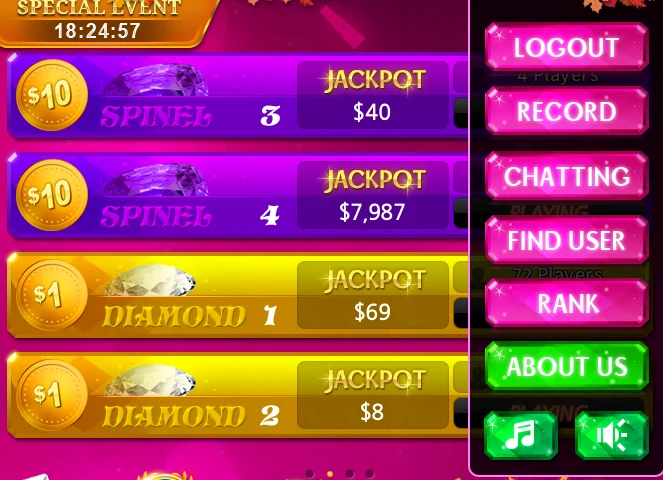
Open the three-line menu at the top right. Choose RECORD for your bingo tickets, FIND USER to look up a friend by nickname or RANK for the rankings. ABOUT US leads to player support.
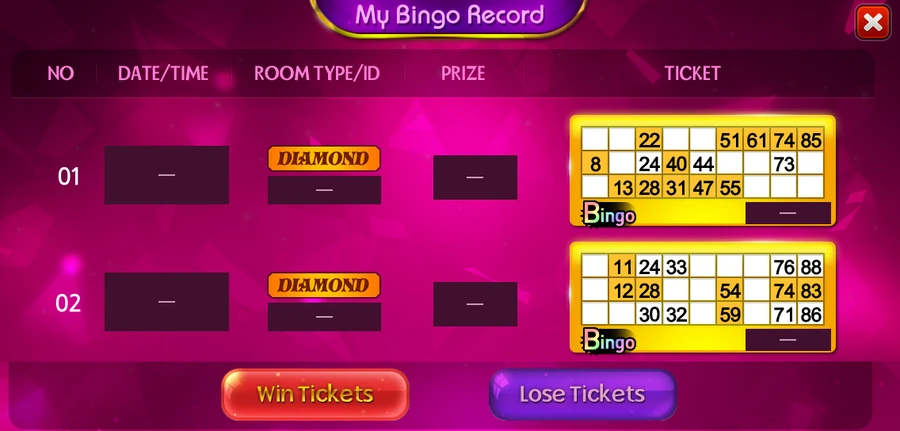
In RECORD, choose Win Tickets for a winning ticket and its prize, or Lose Tickets to review a ticket that missed. Read across a row to see the time, room and ticket. The number beneath each ticket helps you pick it out when several came from the same round.
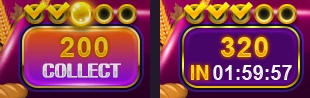
Check the bottom-right corner, beside Golden Pass. When COLLECT appears, tap it to add the displayed bonus to your balance. After collection the same button shows the next amount and how long to wait.